



Simplifying your workflow is crucial for productivity, especially when managing multiple websites. With WordPress Multisite Management, you can efficiently oversee various WordPress sites under one roof. This powerful feature allows you to streamline updates, plugins, and themes across all your sites simultaneously. In this blog post, we’ll examine into the benefits of using WordPress Multisite for your web management tasks and how it can revolutionize your online presence.
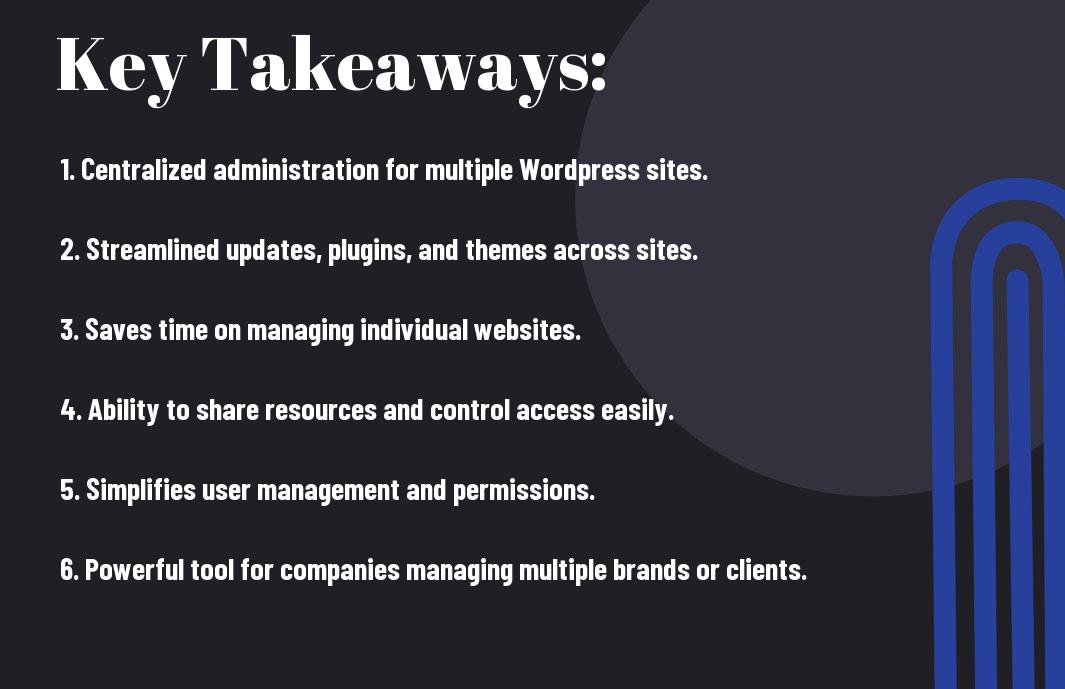
Key Takeaways:
- Centralized Management: WordPress Multisite allows you to manage multiple websites from one centralized dashboard, streamlining your workflow and saving time.
- Efficient Updates: With multisite management, you can easily update plugins, themes, and core WordPress files across all your websites at once, ensuring consistency and security.
- Cost-Effective Solution: Managing multiple websites with WordPress Multisite can be a cost-effective solution compared to maintaining individual websites, saving you money on hosting and maintenance.
Setting Up WordPress Multisite
Requirements and Preliminary Steps
Some WordPress users may find the need to manage multiple websites under a single installation. This is where WordPress Multisite comes in handy. Before setting up Multisite, ensure that your hosting provider supports it. You will also need to have a good understanding of WordPress and feel comfortable making technical changes.
Configuring Network Settings
An imperative part of setting up WordPress Multisite is configuring the network settings. This involves enabling the network feature in your WordPress installation, which allows you to create and manage multiple websites from one dashboard. It is crucial to back up your website before making any changes to ensure you can revert if needed.
Steps: To configure network settings, you need to access your wp-config.php and .htaccess files to make some changes. These files can be found in the root directory of your WordPress installation. By following the WordPress Codex guide on setting up Multisite, you can carefully edit these files to enable the network feature.
Managing Your Network
Adding and Removing Sites
Even with a large network of sites to manage, adding and removing sites in WordPress Multisite is a straightforward process. As a Super Admin, you have the ability to create new sites, set them up with different themes and plugins, and remove any sites that are no longer needed. This centralized control over site management saves time and ensures consistency across your network.
User Roles and Permissions
An imperative aspect of managing your WordPress Multisite network is defining and assigning user roles and permissions. Each user within the network can be assigned specific capabilities based on their role, such as Super Admin, Administrator, Editor, Author, or Contributor. An understanding of these roles is crucial for maintaining security and control over the network.
For instance, Super Admins have full control over the entire network, including the ability to add and remove sites, manage plugins and themes, and assign user roles. Administrators have similar capabilities but are limited to a single site within the network. Authors and Contributors have restricted access to create and publish content, while Editors have moderation powers over content.
Workflow Optimization Strategies
Themes and Plugins Management
Once again, managing themes and plugins in a WordPress Multisite environment can be a time-consuming task. Any changes or updates need to be implemented across all sites, which can lead to inconsistencies and errors. To simplify this process, utilize a centralized management system to keep track of all themes and plugins. This way, you can easily update and activate/deactivate them across all sites from one dashboard.
Automated Updates and Maintenance
Maintenance is crucial for the smooth operation of your WordPress Multisite network. Any glitches or vulnerabilities in themes or plugins can have a cascading effect on all sites within the network. Implementing automated updates and maintenance schedules can help in keeping your sites secure and running efficiently. Plugins like Jetpack or ManageWP offer automated backup, security scans, and updates to ensure your network is always up-to-date.
Themes that are not regularly updated can pose a security risk to your WordPress Multisite network. It is important to stay vigilant and ensure all themes and plugins are kept up-to-date to prevent any security breaches. Implementing automated updates can save you time and effort while also minimizing the risk of potential vulnerabilities.

Advanced Multisite Tips and Tricks
-
Domain Mapping
Benefits Considerations 1. Centralized management 1. SEO implications 2. Enhanced brand visibility 2. Redirects and canonical URLs
Domain Mapping and SEO Considerations
The domain mapping feature in WordPress Multisite allows you to assign custom domains to individual sites within your network, providing a more streamlined user experience. However, it’s crucial to be mindful of the SEO implications that come with domain mapping. Ensure proper redirects and canonical URLs are in place to avoid duplicate content issues and maintain the organic search rankings of your sites.
Troubleshooting Common Multisite Issues
Issues can arise when managing a WordPress Multisite network, but being aware of common pitfalls can help you tackle them effectively. Whether it’s plugin conflicts, database errors, or performance issues, troubleshooting common Multisite issues requires a systematic approach to identify and resolve them promptly.
Common Multisite issues include plugin compatibility problems, database synchronization errors, and slow loading times that can affect the overall performance of your network. It’s crucial to stay proactive in monitoring your Multisite network and address any issues promptly to ensure a seamless user experience for your visitors.
Summing up
With this in mind, implementing WordPress Multisite Management can significantly simplify your workflow by allowing you to manage multiple websites from one centralized platform. This efficient solution not only saves time but also streamlines processes, making it easier to maintain and update multiple sites simultaneously. Whether you are a business owner, a developer, or a digital agency, utilizing WordPress Multisite Management can enhance your productivity and control over your network of websites. Consider adopting this powerful tool to streamline your workflow and optimize your website management capabilities.
FAQ
Q: What is WordPress Multisite Management?
A: WordPress Multisite Management is a feature that allows you to create and manage multiple WordPress sites from a single installation. It simplifies the process of managing multiple websites by enabling you to update themes, plugins, and settings across all sites simultaneously.
Q: How does WordPress Multisite Management simplify workflows?
A: WordPress Multisite Management streamlines workflows by providing a centralized dashboard where you can control all your sites. You can easily add new sites, manage user access, and make global changes, reducing the time and effort required to maintain multiple websites.
Q: What are the benefits of using WordPress Multisite Management?
A: The benefits of using WordPress Multisite Management include cost-effectiveness, easier site management, streamlined updates, consistent branding, and improved security. By leveraging this feature, you can efficiently scale your online presence while ensuring a cohesive user experience across all your sites.
Leave a Reply