


This comprehensive guide will provide you with important tips and tricks to ensure your WordPress website is running at maximum speed. Optimizing your hosting is crucial for improving user experience, SEO rankings, and conversion rates. By implementing the strategies outlined in this guide, you can dramatically enhance the performance of your WordPress site and keep your visitors coming back for more. Let’s research into the key steps you need to take to achieve lightning-fast loading times.

Key Takeaways:
- Choose a reliable hosting provider: Opt for a hosting provider that specializes in WordPress hosting to ensure optimal performance.
- Utilize caching: Implement caching plugins like WP Rocket or W3 Total Cache to improve site loading speed.
- Optimize images: Compress images and use lazy loading to reduce the size of webpages.
- Minimize plugins: Limit the number of plugins on your site to reduce bloat and improve speed.
- Regularly update WordPress: Stay up to date with the latest version of WordPress to benefit from performance enhancements and security updates.
- Enable GZIP compression: Enable GZIP compression on your server to reduce the size of files sent to users’ browsers.
- Monitor site performance: Use tools like Pingdom or GTmetrix to regularly monitor your site’s speed and make necessary optimizations.
Understanding WordPress Hosting Types
One of the key elements in optimizing WordPress hosting for speed is understanding the different types of hosting available. There are three main types of hosting commonly used for WordPress websites: Shared Hosting, VPS (Virtual Private Server) Hosting, and Dedicated Hosting. Each type has its own advantages and drawbacks, so it’s necessary to choose the right hosting solution based on your website’s needs.
| Shared Hosting | VPS and Dedicated Hosting |
Shared Hosting for WordPress
Understanding Shared Hosting for WordPress is crucial for beginners. This type of hosting means your website shares resources with multiple other websites on the same server. While it is cost-effective, the downside is that shared resources can lead to slower performance during peak traffic times.
VPS and Dedicated Hosting for WordPress
One of the next steps beyond Shared Hosting is upgrading to VPS or Dedicated Hosting for WordPress. VPS offers more dedicated resources and control, while Dedicated Hosting provides an entire server solely for your website. These options are ideal for websites experiencing high traffic volumes or requiring advanced customization.
Another important aspect to consider when opting for VPS or Dedicated Hosting is the level of technical expertise required. VPS may require more technical knowledge to manage compared to Dedicated Hosting, which typically comes with server management services.
Managed WordPress Hosting
Assuming the responsibilities of managing your WordPress site can be overwhelming, which is where Managed WordPress Hosting comes in. This type of hosting is ideal for users who want their hosting provider to handle technical aspects like updates, backups, security, and performance optimization.
Pros and Cons of Each Hosting Type
| Hosting Type | Pros and Cons |
| Shared Hosting | |
| VPS Hosting | |
| Dedicated Hosting | |
| Managed WordPress Hosting |
While understanding the different hosting types is necessary, it’s crucial to weigh the pros and cons of each option carefully before making a decision. Shared Hosting is cost-effective but may result in slower performance. VPS and Dedicated Hosting provide more resources and control but require more technical expertise. Managed WordPress Hosting offers convenience but may limit customization options.
Factors Affecting WordPress Hosting Speed
Once again, there are several factors that can significantly impact the speed and performance of your WordPress website. It is crucial to understand these factors in order to optimize your hosting environment and improve the overall user experience. This includes the web hosting server performance, WordPress themes and plugins, and database optimization.
Importance of Web Hosting Server Performance
On a web hosting server, performance plays a critical role in determining the speed and reliability of your WordPress website. A fast and stable server can handle high levels of traffic and deliver content quickly to your visitors. Server downtime or slow loading times can result in a poor user experience and loss of potential customers.
Role of WordPress Themes and Plugins
Clearly, the quality of your WordPress themes and plugins can impact the speed of your website. Opting for lightweight themes and well-coded plugins can help reduce the load time of your site and improve overall performance. Avoid using too many plugins or resource-heavy themes that can slow down your website.
Role: In addition to choosing the right themes and plugins, regularly updating them is crucial to ensure compatibility with the latest WordPress version and optimal performance.
Database Optimization and Its Impact on Speed
Database optimization is another critical factor that can affect the speed of your WordPress website. By cleaning up unused data, optimizing the database tables, and reducing the size of your database, you can improve the loading time of your website significantly. Utilizing caching plugins can also help in optimizing database queries and speeding up performance.
Step-by-Step Guide to Optimizing WordPress Hosting
Unlike generic hosting solutions, optimizing WordPress hosting requires specific attention to detail. Below is a breakdown of important steps to achieve optimal performance.
| Tips for Choosing the Right WordPress Hosting Provider | Configuration Tweaks for Enhanced Performance |
|---|---|
Tips for Choosing the Right WordPress Hosting Provider
Perceiving the specific needs of your WordPress site and aligning them with the hosting provider’s services is crucial. |
Configuration Tweaks for Enhanced PerformanceThe configuration of your server plays a vital role in the speed and performance of your WordPress site. Optimizing PHP settings, enabling gzip compression, and leveraging browser caching are some key tweaks to consider. |
Content Delivery Networks (CDNs) and Their Usage
On top of server optimizations, utilizing a CDN can significantly enhance the speed and performance of your WordPress site. By distributing content across multiple servers globally, a CDN reduces latency and ensures faster loading times for users.
Tools and Techniques for Speed Testing
Choosing the right tools and techniques to measure the speed and performance of your WordPress site is crucial in identifying areas for improvement. Utilizing tools like Google PageSpeed Insights and GTmetrix can provide detailed insights on load times and opportunities for optimization.
Maintaining Optimal Performance Over Time
Regular Maintenance and Updates
After setting up your optimized WordPress hosting, it is crucial to ensure regular maintenance and updates to maintain optimal performance. Assuming that your hosting provider offers automatic updates for WordPress core, themes, and plugins, it is crucial to enable this feature. Regularly updating your website will not only keep it secure but also improve its speed and performance.
Monitoring Speed and Uptime
Updates play a critical role in maintaining your website’s speed and uptime. Constantly monitoring your website’s loading times and uptime is crucial to identifying any issues that may be affecting performance. Utilize monitoring tools and services to keep track of these metrics and address any issues promptly.
To ensure optimal performance over time, keep a close eye on your website’s speed and uptime. Set up alerts for downtime and slow loading times so that you can address any issues immediately. Regularly test your website’s speed and make necessary optimizations to keep it running smoothly.
Scaling Up: When to Upgrade Your Hosting Solution
Some signs that indicate it may be time to upgrade your hosting solution include frequent downtime, slow loading times even after optimization efforts, and exceeding your current hosting plan’s resources. Upgrading to a higher-tier hosting plan or a managed WordPress hosting solution can help accommodate increased traffic and improve overall performance.
Optimal performance can only be maintained over time through regular updates, monitoring, and knowing when to upgrade your hosting solution. By staying proactive and addressing any issues promptly, you can ensure that your WordPress website continues to deliver a fast and reliable user experience.
To wrap up
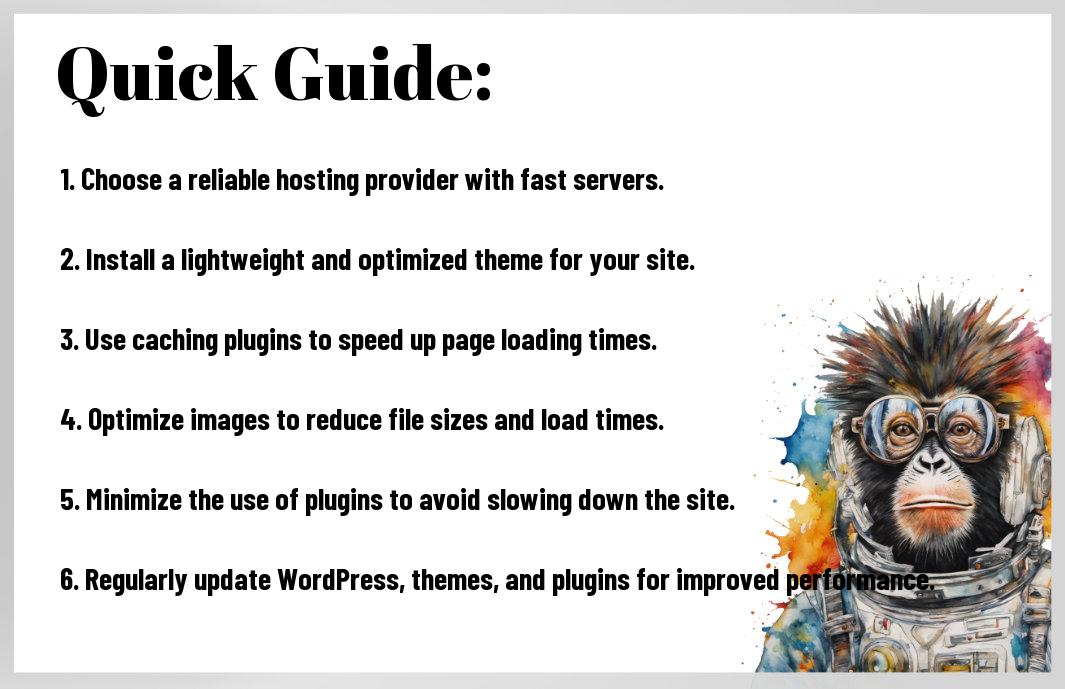
Taking this into account, optimizing WordPress hosting for speed is crucial for ensuring a fast and efficient website. By following the guidelines and tips outlined in How to Speed Up Your WordPress Site (Ultimate Guide), you can make significant improvements in the performance of your WordPress site. From choosing the right hosting provider to implementing caching mechanisms and optimizing images, every step is important in achieving a lightning-fast website that provides an excellent user experience.
FAQ
Q: What is WordPress Hosting Optimization?
A: WordPress Hosting Optimization is the process of fine-tuning and configuring your web hosting environment specifically for WordPress websites to improve performance and speed.
Q: Why is optimizing WordPress hosting important?
A: Optimizing WordPress hosting is crucial to ensure your website loads quickly, ranks well in search engines, provides a good user experience, and can handle high traffic without crashing.
Q: How can a fast hosting provider improve WordPress website speed?
A: A fast hosting provider can improve WordPress website speed by offering high-performance servers, solid-state drives (SSD) for storage, advanced caching mechanisms, and optimized server configurations for WordPress.
Q: What are some tips for optimizing WordPress hosting for speed?
A: Some tips for optimizing WordPress hosting for speed include choosing a reliable hosting provider, using a content delivery network (CDN), enabling caching, optimizing images, minimizing HTTP requests, and keeping plugins and themes updated.
Q: How does a content delivery network (CDN) help in optimizing WordPress hosting for speed?
A: A content delivery network (CDN) helps in optimizing WordPress hosting for speed by storing static content like images, CSS, and JavaScript files on servers located closer to the user, reducing latency and improving loading times.
Q: What role does caching play in optimizing WordPress hosting for speed?
A: Caching plays a vital role in optimizing WordPress hosting for speed by storing frequently accessed data in memory or on disk, reducing the need to generate content dynamically each time a user visits the site, thus improving loading times.
Q: How can one monitor and measure the speed performance of a WordPress website?
A: One can monitor and measure the speed performance of a WordPress website using tools like Google PageSpeed Insights, GTmetrix, Pingdom Tools, or the built-in Site Health tool in WordPress to analyze loading times, performance scores, and recommendations for improvement.
Leave a Reply