


CMS platforms have revolutionized the way we manage and publish online content, and WordPress stands out as a leader in this realm. With its user-friendly interface, extensive customization options, and powerful plugins, WordPress empowers users to manage their content like a pro. Whether you’re a blogger, business owner, or developer, harnessing the full potential of WordPress can elevate your online presence and streamline your content management process. In this blog post, we will explore the key features and tools that make WordPress a game-changer in the world of content management.
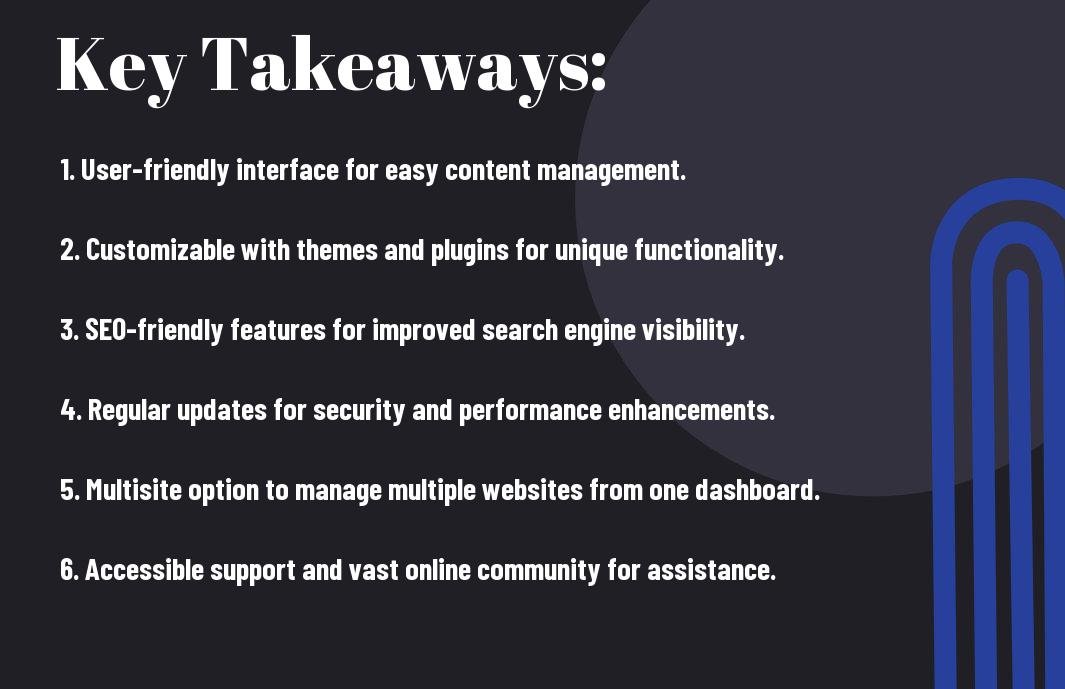
Key Takeaways:
- Customization: WordPress CMS allows for easy customization of your website, from themes and plugins to creating custom pages and features.
- Content Management: With WordPress, managing your content is simple and efficient, with features like post scheduling, categories, and tags to help organize your content effectively.
- SEO-Friendly: WordPress is designed with SEO in mind, making it easier to optimize your content for search engines and improve your website’s visibility online.

Getting Started with WordPress
Installing and Setting Up WordPress
For those who are new to WordPress, the first step is to install and set up the platform on your web hosting server. You can easily do this by following the step-by-step instructions provided on the official WordPress website. Once the installation is complete, you can customize the settings and options to suit your needs and preferences.
Navigating the WordPress Dashboard
The WordPress Dashboard is your control center where you can manage all aspects of your website. It allows you to create and edit posts and pages, upload media, install plugins, and change your website’s appearance. The dashboard is user-friendly, with a clean and intuitive interface that makes it easy to navigate and find what you need.
It is important to familiarize yourself with the dashboard’s layout and features to make the most of WordPress. Pay attention to the various menus and options available, as well as the different widgets that can enhance your workflow. Take the time to explore and experiment with the dashboard to discover its full potential.
Content Creation and Management
Crafting Posts and Pages
The creation and management of content in WordPress is a straightforward process. Crafting engaging posts and pages is important to attract and retain visitors to your website. With the easy-to-use editor, you can format text, add images, embed videos, and create links effortlessly.
Utilizing Media and File Management
On WordPress, managing media and files is crucial for organizing and presenting your content effectively. You can upload images, videos, audio files, and documents directly to your media library. Utilizing tags and categories for your media files can aid in efficient search and retrieval.
Harnessing WordPress Features and Tools
Themes and Customization
To unleash the full potential of WordPress, it is imperative to explore its vast array of themes and customization options. Themes are the foundation of your website’s appearance, and with thousands of free and premium options available, you can easily find one that suits your brand identity. Customization features allow you to personalize your site further, from colors and fonts to layout and widgets. By utilizing these tools effectively, you can create a visually stunning and unique website that stands out from the competition.
Plugins and Extensions
To enhance the functionality of your WordPress site, plugins and extensions are indispensable. With over 58,000 plugins in the WordPress repository, you can find a solution for almost any feature or functionality you can imagine. Plugins can help boost your site’s performance, improve SEO, enhance security, and streamline user experience. However, it is vital to choose plugins carefully to avoid conflicts or vulnerabilities that could compromise your site’s integrity.
For instance, using too many plugins can slow down your website’s load times and potentially expose it to security risks. It is recommended to install only vital plugins from reputable sources and regularly update them to ensure compatibility with the latest WordPress version and optimal performance.
Advanced WordPress Techniques
-
SEO Optimization and Analytics
SEO Techniques Analytics Tools Keyword optimization Google Analytics Meta tags management Google Search Console Internal linking strategies Yoast SEO -
Security and Maintenance Best Practices
Regular updates Backup solutions Strong passwords Security plugins Two-factor authentication Malware scanning
SEO Optimization and Analytics
Optimization – Implementing SEO techniques such as keyword optimization, meta tags management, and internal linking strategies can help improve your website’s visibility on search engines. By utilizing analytics tools like Google Analytics and Google Search Console, you can track the performance of your content and make data-driven decisions to enhance your SEO efforts.
Security and Maintenance Best Practices
Security – It is crucial to regularly update your WordPress installation and plugins to protect your website from vulnerabilities. Implementing strong passwords, using security plugins, and setting up backup solutions are crucial security measures. Two-factor authentication and regular malware scanning can further fortify your website from potential threats.
To wrap up
Upon reflecting on the strategies and best practices discussed in ‘Unleash The Power Of WordPress CMS – Manage Your Content Like A Pro,’ it is evident that mastering WordPress can significantly enhance your content management skills. By following expert advice and utilizing advanced features, you can streamline your workflow and create a more efficient website. For more insights on WordPress, check out WordPress… – Pro Tips and Best Practices for Developers.
FAQ
Q: What is WordPress CMS?
A: WordPress CMS, or Content Management System, is a free and open-source platform that allows users to create, manage, and organize digital content such as websites, blogs, and online stores without needing to know how to code. It provides an intuitive interface for users to easily update and customize their content.
Q: Why should I use WordPress CMS?
A: WordPress CMS is a popular choice for managing content due to its flexibility, scalability, and user-friendly interface. It offers a wide range of themes, plugins, and customization options, making it easy to create a professional-looking website or blog without advanced technical skills. Additionally, WordPress is constantly updated and supported by a large community of developers.
Q: How can I unleash the power of WordPress CMS?
A: To unleash the full power of WordPress CMS, you can start by familiarizing yourself with its features and functionality. Take advantage of plugins to extend the capabilities of your website, choose a responsive theme for optimal viewing on all devices, and regularly update your content to keep it fresh and engaging. By learning how to effectively use WordPress CMS, you can manage your content like a pro and create a dynamic online presence.
Leave a Reply